
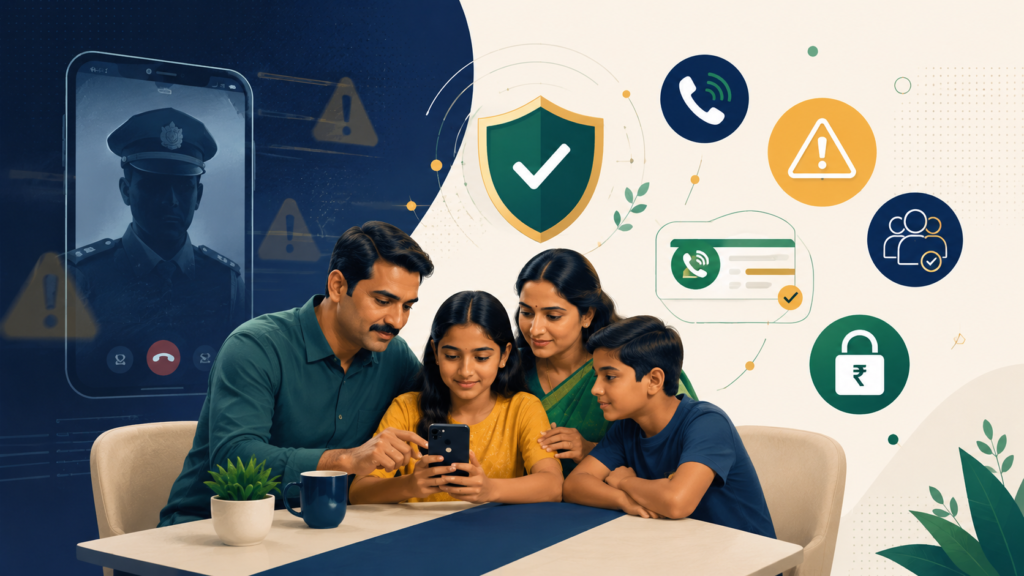

Updated: June 2026
Direct answer: A “digital arrest” call is almost always a cyber-fraud tactic, not a real legal process. Scammers impersonate police, CBI, customs, courier companies, banks, or courts and scare people into staying on video call, sharing details, or transferring money. The safest response is simple: disconnect, do not pay, tell family, and report financial fraud quickly through 1930 or cybercrime.gov.in.
Truth Box: What you’ll actually learn
- The exact signs that a “digital arrest” call is fake.
- A 10-minute family checklist you can print or send on WhatsApp.
- What to do in the first 5 minutes if someone in your home is trapped on a video call.
- How to report suspected cyber fraud without panicking.
- How to protect parents, teachers, students, and working professionals from fear-based scams.
Cyber safety note: This article is for public awareness and family safety education. It is not legal advice. For real emergencies, contact local police/emergency services. For cyber financial fraud in India, use the National Cyber Crime Reporting Portal or the 1930 helpline.
Table of contents
- What is a digital arrest scam?
- Why intelligent people still fall for it
- 12 red flags to remember
- The 10-minute family safety checklist
- What to do if someone is already on the call
- Printable family toolkit
- Free AI prompt: build your own family safety script
- Related digmod guides
- FAQ
What is a digital arrest scam?
A digital arrest scam is a fear-based cyber fraud where criminals pretend to be officials and falsely claim that you are under investigation. They may say your Aadhaar, SIM card, bank account, PAN, courier parcel, or UPI account is linked to drugs, money laundering, illegal transactions, or a fake court case.
The scammer’s real goal is not investigation. The goal is to isolate you, control your attention, and make you transfer money before you ask anyone for help. They may use uniforms, fake ID cards, fake FIRs, forged warrants, intimidating legal words, or a video-call background that looks like a police station.
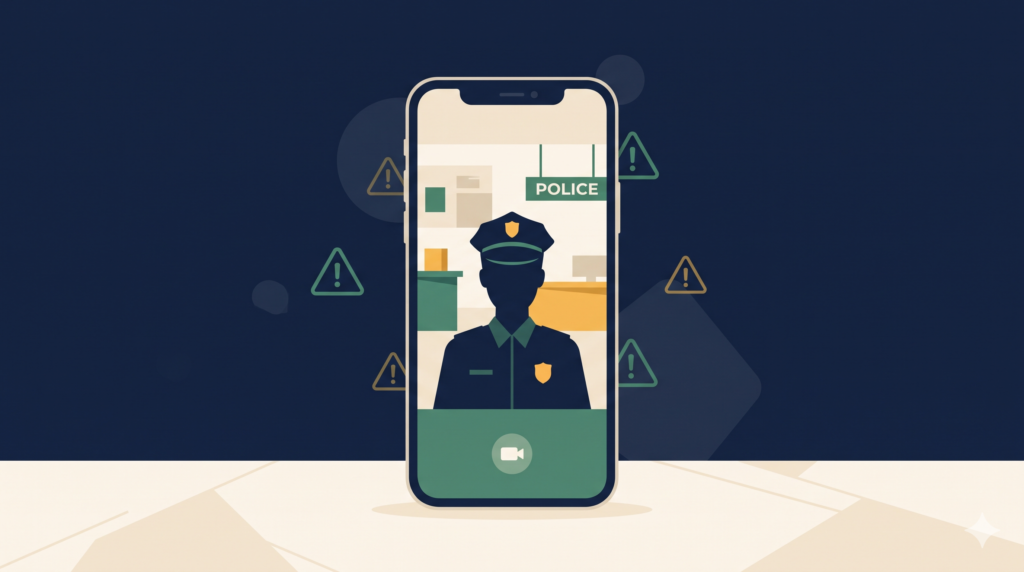
The official National Cyber Crime Reporting Portal provides reporting categories for cyber financial fraud and suspicious identifiers such as mobile numbers, email IDs, account numbers, URLs, WhatsApp/Telegram handles, and social-media URLs. Source: National Cyber Crime Reporting Portal.
Why do smart people fall for this?
Because the scam does not start with money. It starts with fear.
Most families train children not to share OTPs. But many adults have not trained themselves to handle a fake authority figure shouting on a video call. A scammer says, “Do not disconnect or you will be arrested.” A normal person thinks, “Let me cooperate.” That one emotional moment is exactly what the fraudster wants.
From my experience as a computer teacher, the biggest digital-safety gap is not technical knowledge. It is panic control. People know that OTP sharing is risky, but they freeze when someone uses legal language, family reputation, or police threats. This connects directly to a pattern we cover in our guide on dark patterns in banking apps — fear and urgency are the same manipulation levers, just used by criminals instead of marketers.
12 red flags that the call is a scam
Save this list in your family WhatsApp group. One red flag is enough to stop and verify.
| Red flag | What it usually means | Safe response |
|---|---|---|
| They say “digital arrest” | Fear tactic | Disconnect and verify separately |
| They ask you to stay on a video call | Isolation attempt | End the call immediately |
| They tell you not to inform family | Control tactic | Call a trusted person |
| They ask for “safe account” transfer | Money extraction | Never transfer |
| They ask for OTP, PIN, card number | Account takeover attempt | Do not share anything |
| They show fake ID/FIR/warrant on WhatsApp | Forged document pressure | Verify through official channels |
| They threaten immediate arrest | Panic trigger | Pause, breathe, call police/cyber helpline |
| They ask to install a remote-access app | Device takeover | Do not install |
| They demand secrecy | Classic scam pattern | Tell family immediately |
| They move from normal call to WhatsApp/video | Impersonation setup | Do not continue |
| They know some of your details | Data leak/social engineering | Do not trust them |
| They rush you | Decision hijacking | Take 10 minutes before any action |
The 10-minute family safety checklist
Minute 0–1: Say the family rule out loud
“No real officer asks for money, OTP, secrecy, or continuous video call verification.”
Minute 1–2: Disconnect first, verify later
Scammers want you to believe that disconnecting is dangerous. In reality, staying connected is what gives them control. Disconnect. Do not argue. Do not explain.
Minutes 2–4: Call one trusted person
Every family should choose two people as “panic buddies”. If anyone receives a threatening call, they must call a buddy before doing anything with money.
Minutes 4–6: Freeze financial action
- No UPI transfer.
- No bank transfer.
- No card details.
- No OTP.
- No new app installation.
- No screen sharing.
Minutes 6–8: Record the evidence safely
Take screenshots of the number, WhatsApp profile, documents, transaction request, UPI ID, account details, or links. Do not click suspicious links just to collect proof.
Minute 8–10: Report or verify
For cyber financial fraud in India, use 1930 or the official portal cybercrime.gov.in. If there is any physical threat or real emergency, contact local police/emergency services. If money has already moved, our medical-emergency-documents guide has a related principle worth borrowing — keep your bank’s fraud helpline number and your panic buddies’ numbers written down physically, not just saved in a phone that could be the one compromised.
What if someone is already trapped on a video call?
Do not scold them. Shame helps the scammer. Calm helps the victim.
“You are safe. Disconnect now. We will verify from official sources. Do not transfer anything.”
- Take the phone away from panic mode and end the call.
- Switch off the internet for a few minutes if needed.
- Check whether any money was transferred.
- If money moved, immediately call the bank and report it through 1930/cybercrime.gov.in.
- Change passwords if any screen sharing or remote app was installed.
- Uninstall remote-access apps you did not intentionally install.
- Do not delete chats before taking screenshots.
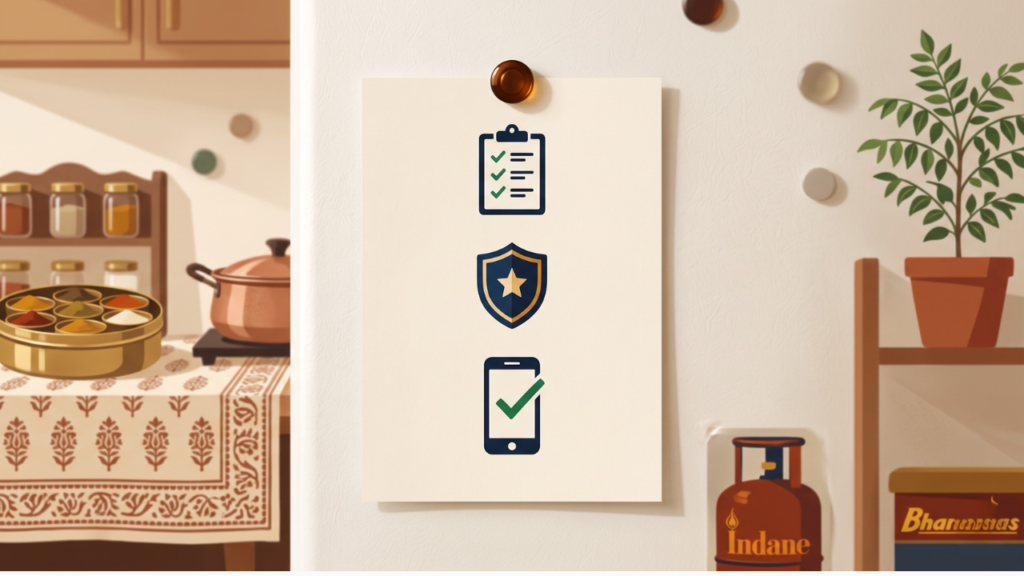
Printable family toolkit: “Stop, Verify, Report”
Family Cyber Panic Card
If someone says you are under digital arrest:
- Stop. Do not speak more than needed.
- Disconnect the call.
- Do not transfer money.
- Do not share OTP/PIN/password.
- Do not install apps.
- Tell one family member.
- Report financial fraud: 1930 or cybercrime.gov.in.
Family panic buddies: 1) __________ 2) __________
Bank helpline: __________
Local police station contact: __________
Screenshot the card above and print it, or send it to your family WhatsApp group right now — the two minutes this takes could be the difference between a scare and a real financial loss.
Mini-tool: Digital Arrest Scam Risk Checker
| Question | Score |
|---|---|
| Did they use the phrase ‘digital arrest/video verification / online custody? | +2 |
| Did they ask you to keep the call secret? | +2 |
| Did they ask for money, OTP, PIN, or screen sharing? | +3 |
| Did they threaten immediate arrest if you disconnect? | +2 |
| Did they send documents only on WhatsApp/email? | +1 |
Result: 0–1 = verify calmly. 2–4 = suspicious. 5+ = high-risk scam pattern.
Free AI prompt: build your own family safety script
Copy this into ChatGPT, Claude, or Gemini to generate a version of the panic card customized for your own family — names, languages, and local police contact included.
Act as a family safety coordinator. Create a one-page "panic card" for my family to use if anyone receives a digital arrest scam call or similar cyber fraud threat.

My family speaks [languages, e.g. Hindi and Punjabi]. We live in [city/state]. Include:
1. A short calm script to say out loud when receiving a threatening call
2. A 5-step immediate action list (in simple, non-technical language)
3. Space to fill in our two "panic buddy" contacts, bank fraud helpline, and local police number
4. One line reminding everyone that no real officer asks for OTP, secrecy, or money transfer

Keep it short enough to fit on one printed page. Use simple words a grandparent could follow under stress.
What to do if you have already lost money
- Call your bank’s fraud helpline immediately — every minute matters for transaction reversal requests.
- File a report at cybercrime.gov.in or call 1930.
- Keep your complaint reference number safe.
- Do not pay anyone who contacts you later promising to “recover” the money for a fee — that is a second, very common scam targeting fraud victims.
Related digmod guides
- Dark Patterns in Banking Apps: 9 Tricks That Make You Buy What You Don’t Need — the same psychological pressure tactics, used legally by apps instead of illegally by scammers.
- The Exact Documents You Need Before Any Medical Emergency in India — building a family “emergency information” habit that also helps in a fraud emergency.
FAQ
Is “digital arrest” a real police process?
If a caller says you are under “digital arrest” and must remain on a video call or transfer money, treat it as a scam pattern and verify independently through official channels.
What if the caller shows my Aadhaar, PAN, address, or bank name?
Scammers often use leaked or scraped personal details to look believable. Knowing some details does not make the call genuine.
What if money has already been transferred?
Contact your bank immediately and report it through 1930 or cybercrime.gov.in as quickly as possible. Fast reporting can improve the chance of action.
Can I use the printable panic card for elderly parents who don’t use smartphones much?
Yes — that’s exactly who it’s most useful for. Print it physically and stick it near their landline or main phone charging spot, since elderly family members are disproportionately targeted by these scams.
Author trust box
Written by Lokesh Goyal, a government school computer teacher and founder of Digmod. I write practical digital-safety and productivity guides for Indian families, students, teachers, and working professionals. This guide is built as a family-first awareness checklist, not legal advice.